Inference
Big models on affordable GPUs.
Can a modern 27-billion-parameter model run fast on a GPU from 2016? We write custom kernels to find out, and time every change.
The Hackers in the Loop Lab
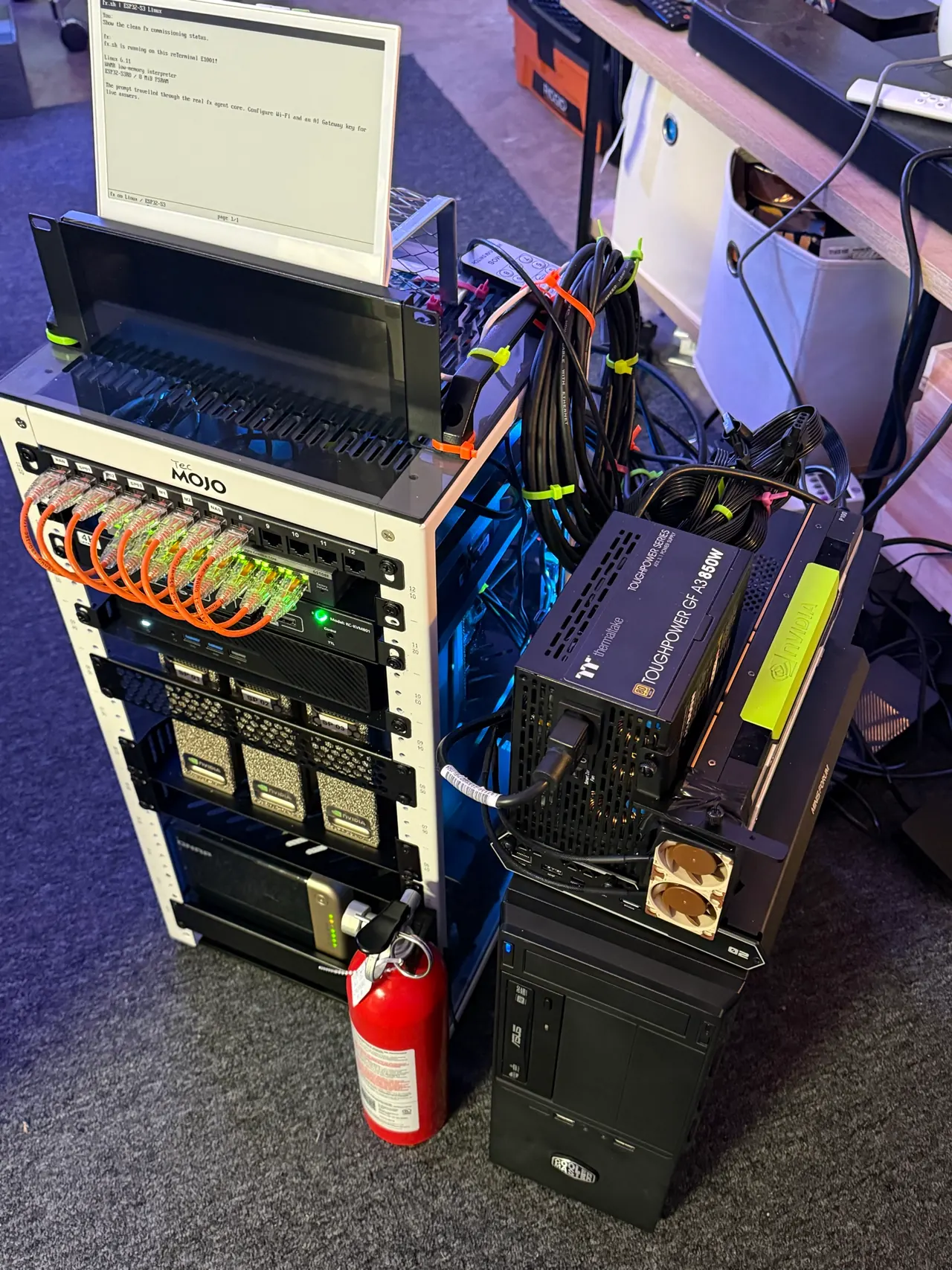
GPUs old and new, three DGX Sparks and a few benches of small devices, in one room. We use them to find out how far affordable hardware can take modern AI, and we share what we learn.
What the Lab studies
Inference
Can a modern 27-billion-parameter model run fast on a GPU from 2016? We write custom kernels to find out, and time every change.
Quantization
Shrinking a model is easy. Keeping it good is the research. Every quantized model is checked against its full-precision original.
Automated research
Agents propose changes; code they can't touch measures, judges and keeps the best. Many experiments run at once, across the Lab's GPUs.
Agents
Running, watching and steering coding agents across a fleet of machines, with a person approving what matters.
Hardware
Agents on ESP32 boards, a clusterable board for swarms of tiny agents, and model weights encoded directly in FPGA logic.
Learning
Free books and short animated lessons that turn the Lab's experiments into explanations, from how a model works to building silicon for one.
How the research runs / Thermite
Open by default. Most of the code is public, and so are the projects that didn’t work out.
Measured, not claimed. Agents propose changes, but a harness they can’t touch times every run and a separate judge decides what counts.
Real hardware. Every number comes from the Lab’s own machines, and we say which ones.
An interactive drawing of Thermite, the Lab’s research harness. Pick a scene, or let it play. Thermite is in development; the drawing shows its design.
The hardware
Working with the Lab
When we come across open work the Lab could help, like a model to test, a kernel to speed up, or a question that needs GPUs, we get in touch and offer time on it.
The best way to be found is to share what you’re building with the community.
Support the Lab
Hardware and hosting support can make more room for community projects. Tell us what you can offer and any constraints.
Tell us what you can offer and any constraints. Equipment, delivery, hosting, and operating arrangements can be discussed before anything changes hands.
Stewardship / Planning estimates
Equipment cost estimate
$39,335
Dated replacement references, comparable-item allowances, and two owner-reported prices. All 66 inventory lines have a cost reference. This estimate is not the amount paid or a confirmed replacement quote. Exact board models for some GPUs, the NanoKVM, and soldering setup are still unknown; both newly acquired servers use provisional used-market prices, the Omada switch uses a comparable-model allowance, and CoreS3 is provisionally treated as an additional unit.
| Setup | Idle | Working | Heavy |
|---|---|---|---|
| Core cluster | 229.8 W | 406.5 W | 907 W |
| Whole lab | 339.3 W | 693 W | 1,413 W |
Planning estimates, not meter readings. The documented GPU dock scenario uses one V100; the P4 and four other acquired cards are not added to it. The TYAN and Dell servers and the Omada switch are also excluded until their installed configurations and operating draw are known. Whole lab also includes the FPGA and small-device benches and a projected populated Agent Blade. The 2070 VA UPS is not modeled because its installation and protected loads are unconfirmed. Its output rating does not describe wall consumption.
The inventory workbook includes each item’s cost, its power group, and the assumptions behind these estimates. Shared components and spare cards are not counted twice.
Choose a daily schedule. The remaining hours use the idle estimate.
329.2 kWh · 16 hours idle + 8 hours mixed work each day
Planning estimates, not meter readings. Excludes room cooling, the household router, fixed utility charges, and battery recharging after an outage. The whole-lab model includes a projected, populated Agent Blade.
September 6–8, 2026 / The build journey
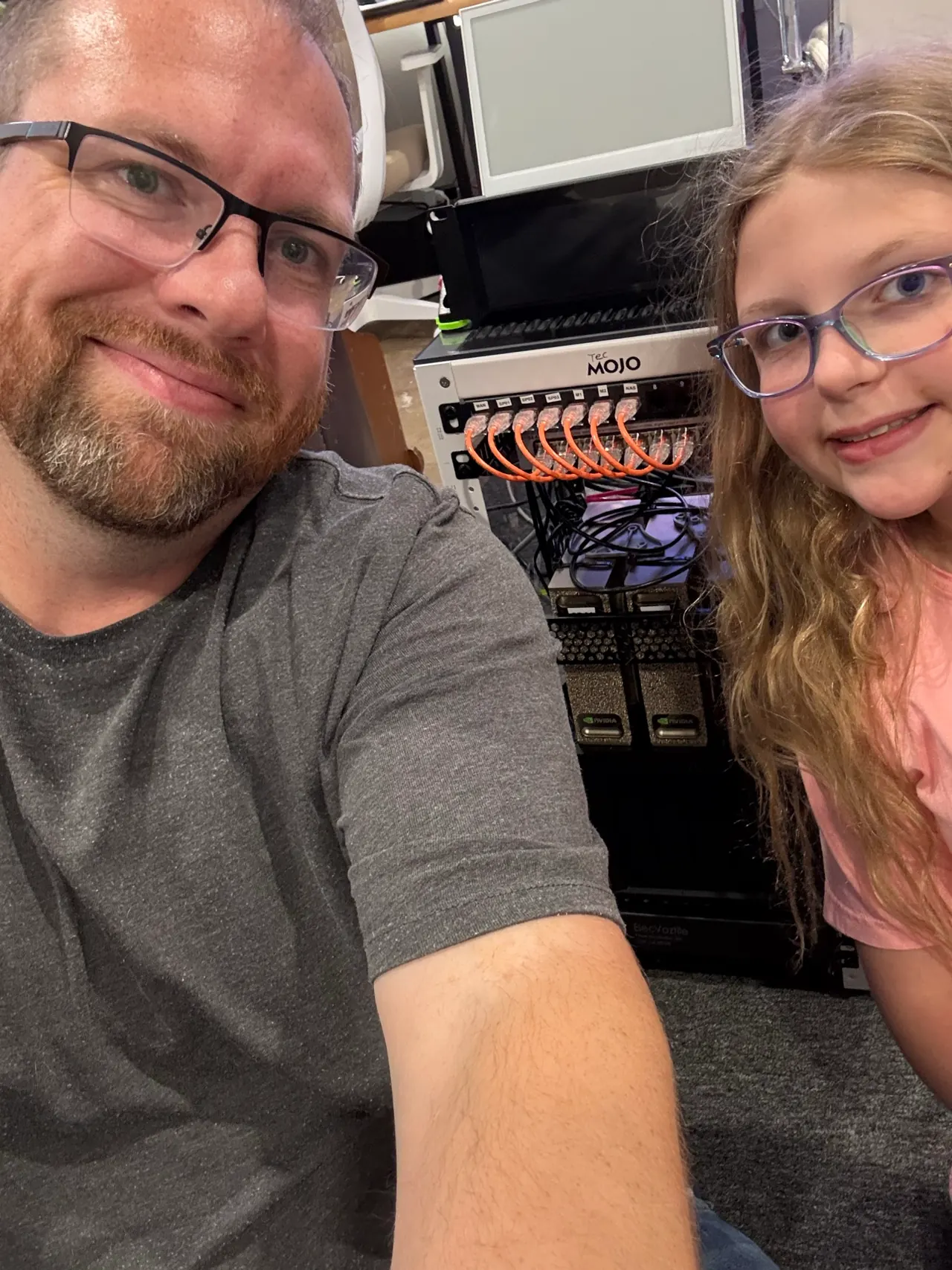
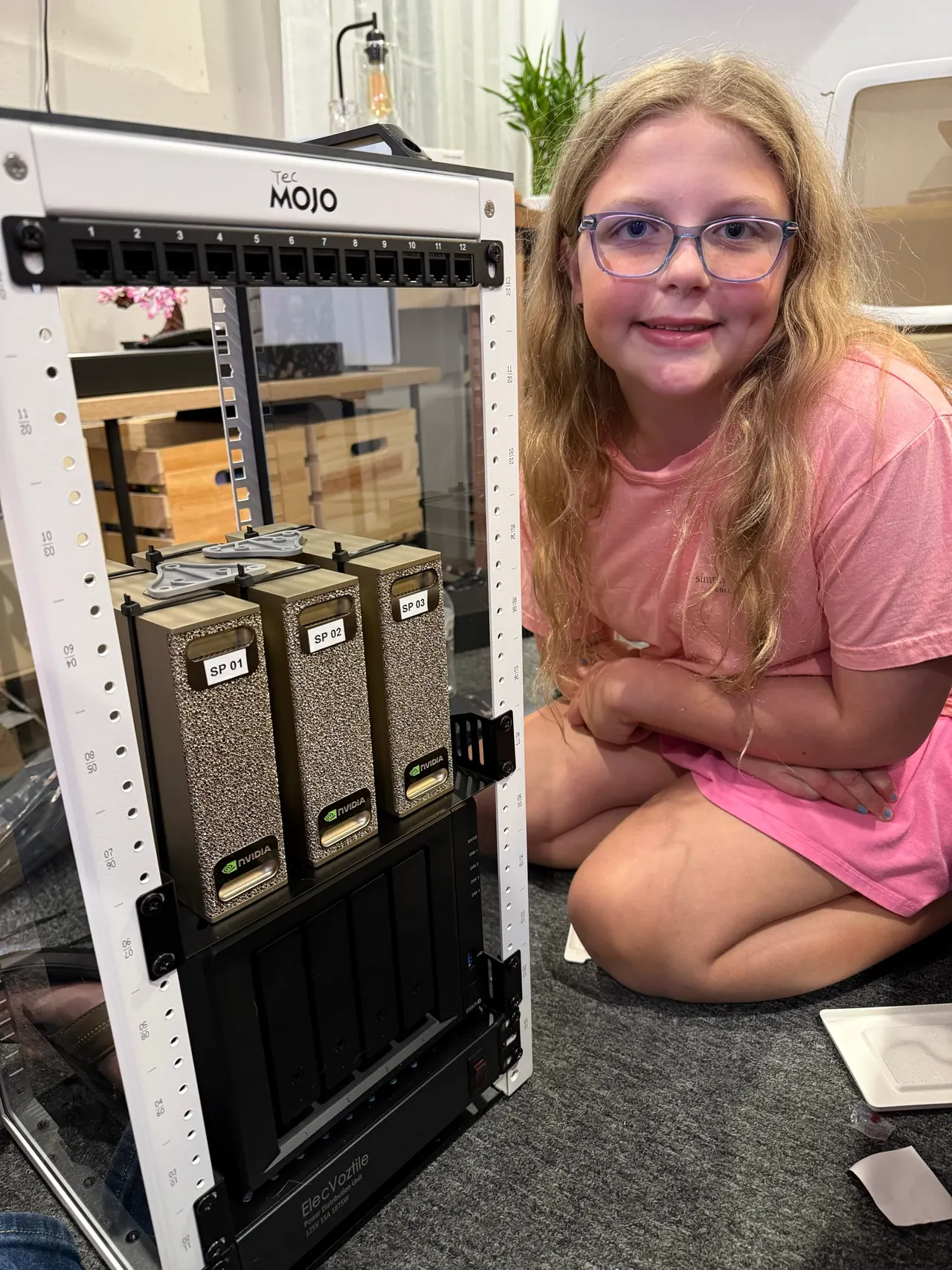
This mini cluster was a project Shannon built with his daughter.
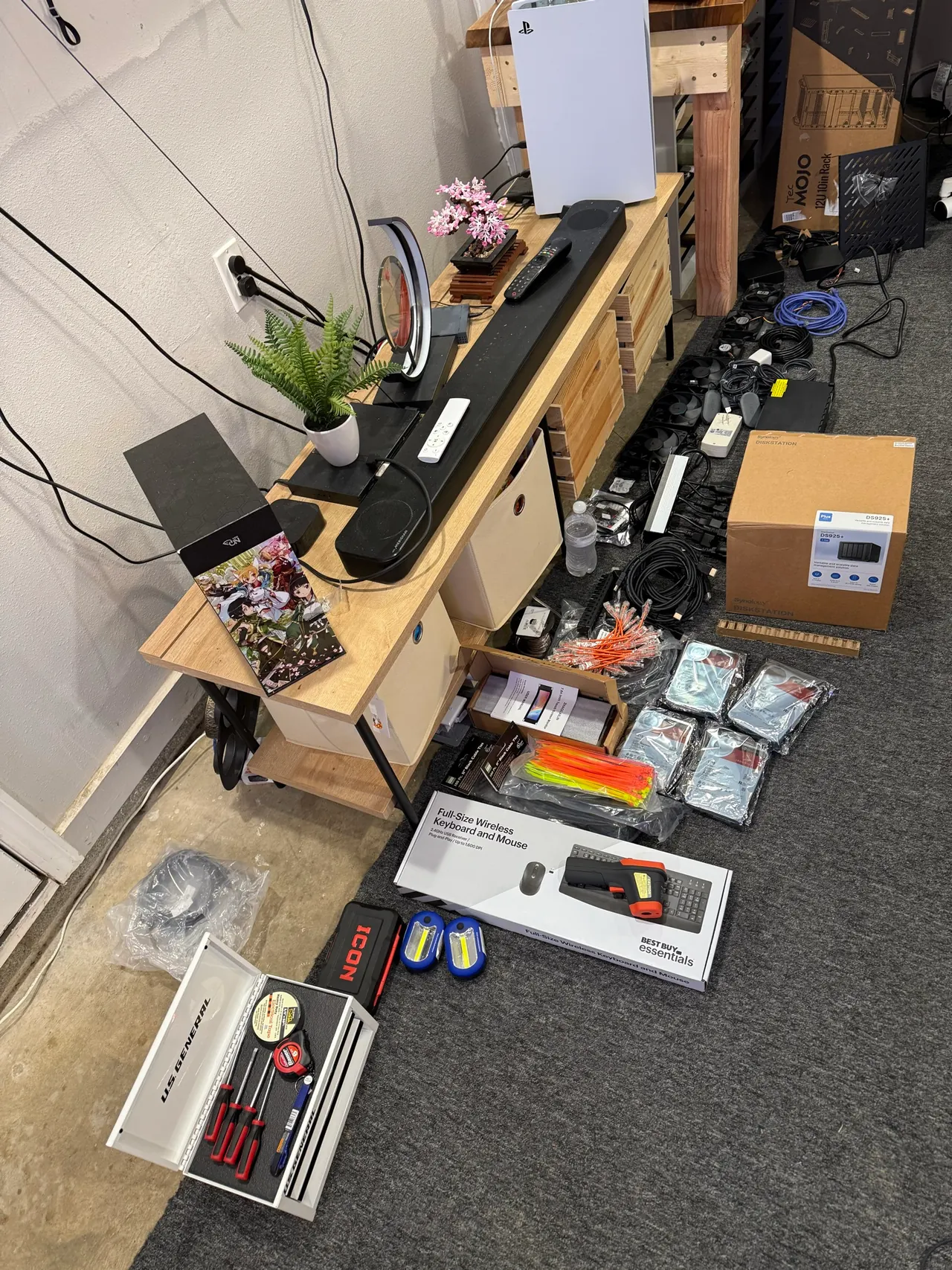
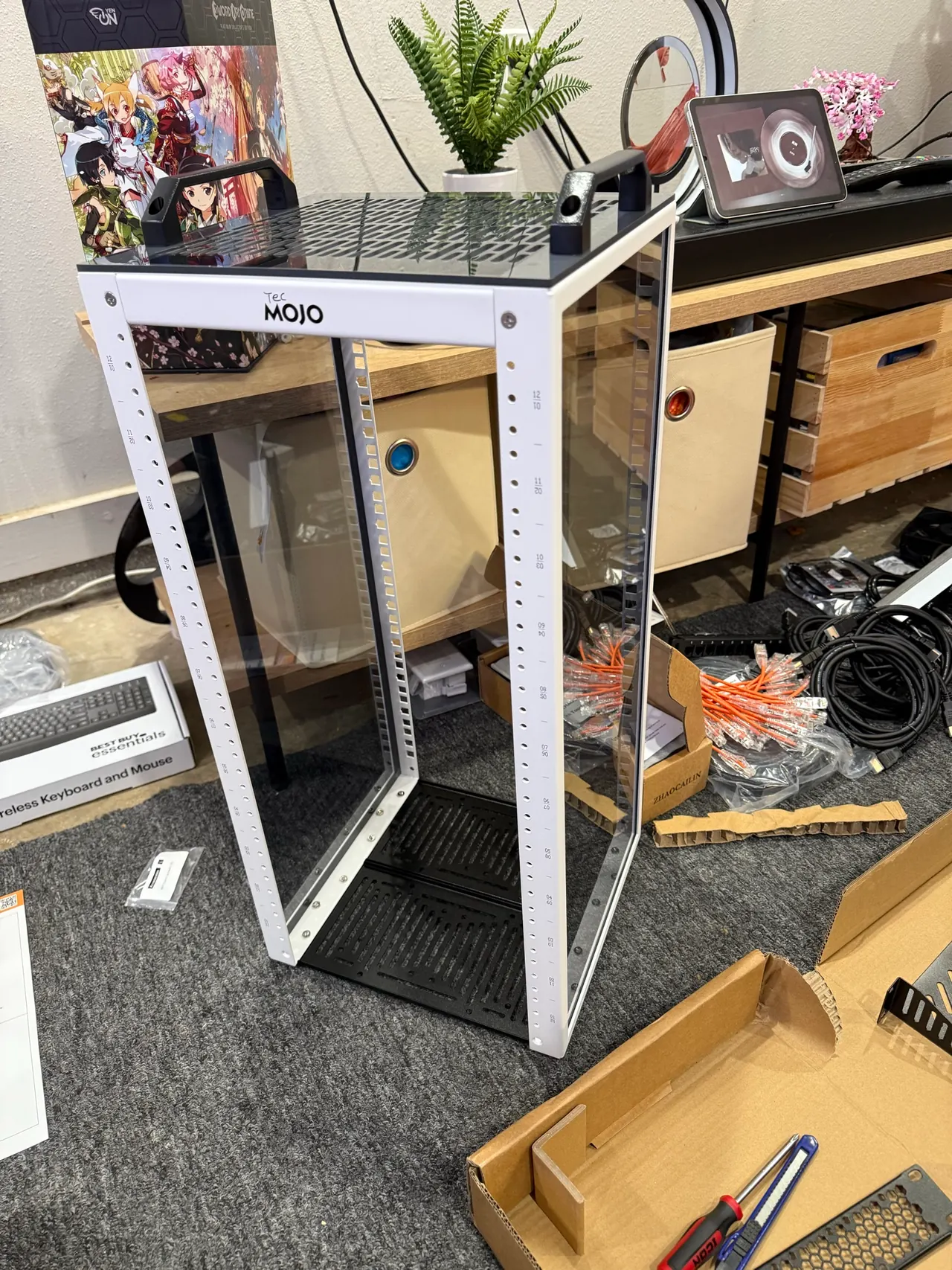
The first evening meant laying out parts, assembling the rack, and figuring out how everything would fit. His daughter picked the colorful zip ties for the exhaust fan and suggested putting a mini PC on the back to make room.
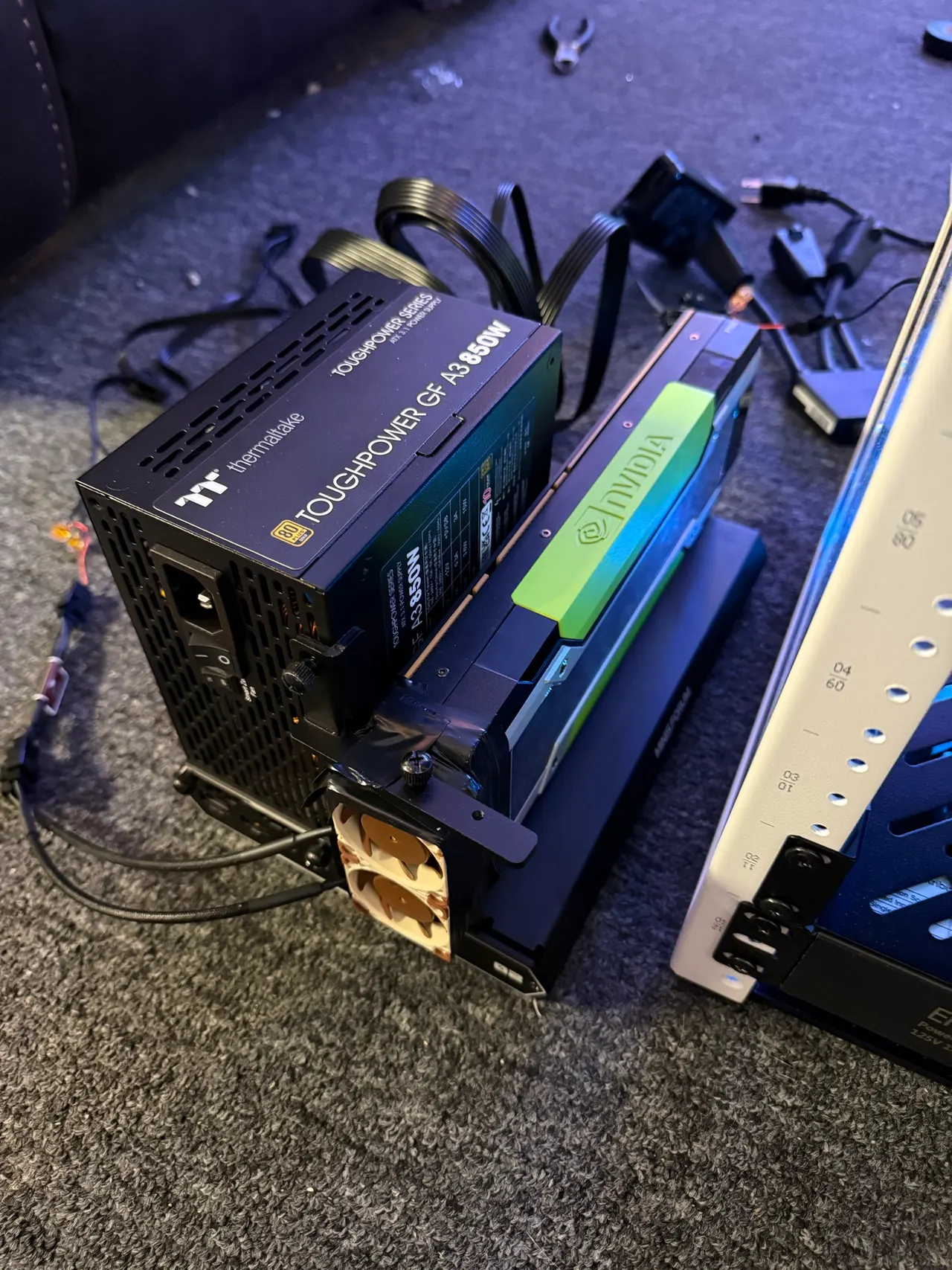
After coffee and donuts, they returned to network cabling, cooling, and conversations about AC, DC, and why current matters. By September 8, the first two Sparks and a mini PC were online, brought up one system at a time using a Mac and HDMI capture as the console.